
Kiru x Bunji
Pink-themed 16x PvP pack made for Kiru's 50k — retextured swords, armor and PvP items, animated totems, and invisible explosion particles.
v2 · 1.16.5+ DownloadResources
Curated Minecraft resource packs, free to download. A resource pack changes textures and visuals only, so it is safe on vanilla and modded servers.
Downloads
Pink-themed 16x PvP pack made for Kiru's 50k — retextured swords, armor and PvP items, animated totems, and invisible explosion particles.
v2 · 1.16.5+ Download
Minimalistic PvP pack with dark UI, custom sky, clean HUD & crosshair, small fire, and refined visuals.
1.3.5 · 1.21.11+ Download
Low fire, low shield, small items, non-obstructive particles, and red knockback 1 sword.
1.2 · 1.19.4+ Download
Lightweight pack that removes/simplifies particle effects for a cleaner, vanilla-friendly experience.
1.21-1.21.11 · 1.19+ Download
Clean and competitive 16x PvP pack with smooth animations, sharp combat particles, and simplified blocks.
1.21.9 · 1.21+ Download
Clean blue-themed PvP pack with short swords, smooth textures, and FPS-optimized performance.
v2.2.1 · 1.21+ Download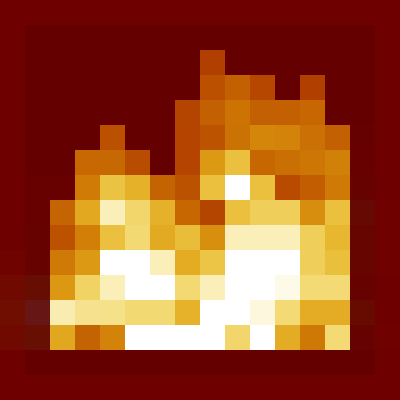
Low fire on your screen! Vanilla Friendly - covers only a small fraction when on fire.
1.5 x 1.8+ Download
Minecraft with the style of the trailers x a simplistic and vibrant pack.
1.4.12 x 1.21+ Download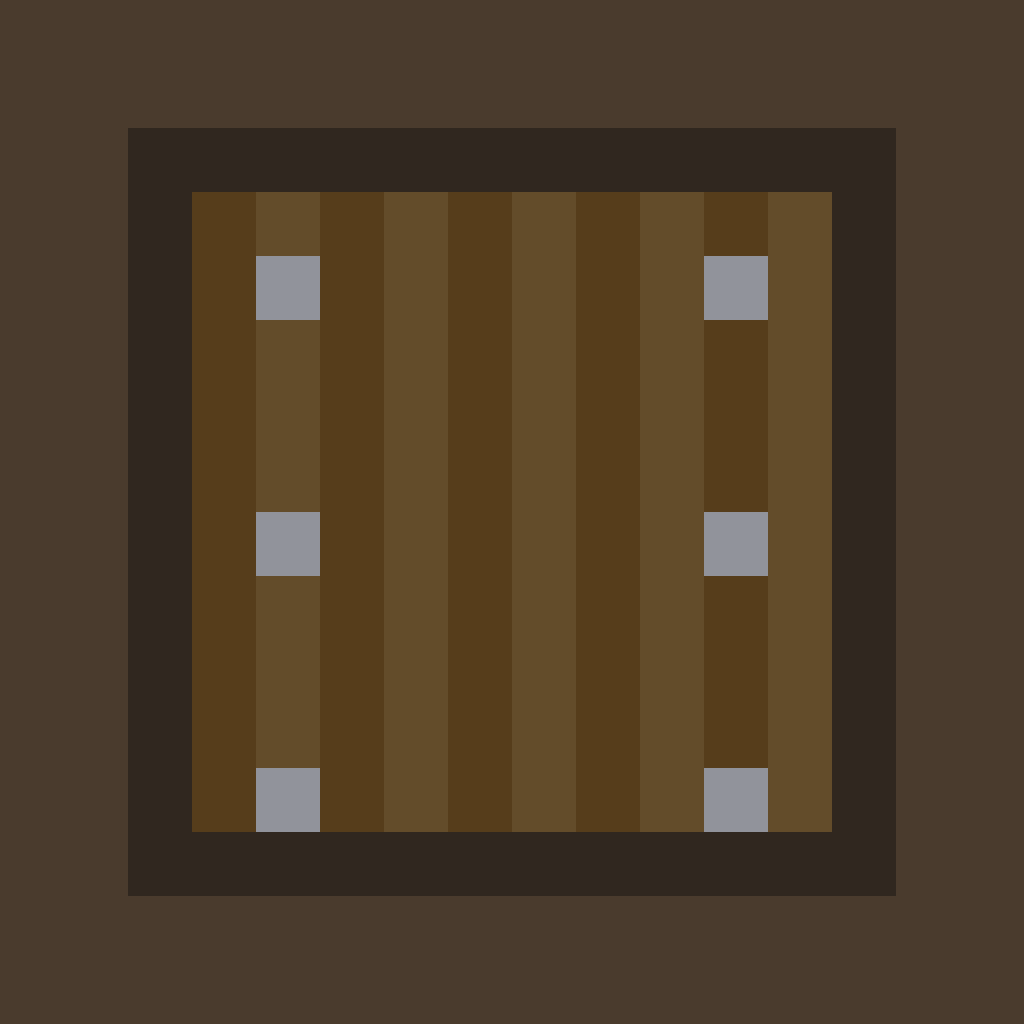
Lower your shield for a visible view! Reduces shield height in first-person.
3.1.0 x 1.20+ Download
Minecraft's vanilla textures faithfully re-imagined in full HD with complete PBR support.
53.1 - 1.21+ DownloadGetting started
Grab the .zip from a listing above. Nothing is installed on your PC beyond the file.
In Minecraft go to Options → Resource Packs → Open Resource Pack Folder.
Drop the zip in, select it in-game, then set it to Global Resources so it applies on servers too.
Running a server? Global Resources also applies your pack to the world hosted through our Minecraft server development.
FAQ
Most packs target current Java Edition and several support Bedrock. Check each listing before downloading.
Download the file, open Minecraft, go to Options → Resource Packs, enable Global Resources, then activate your pack.
We list our own packs and clearly credited community packs. Follow each listing's licence terms.
Lower-resolution packs are designed to keep performance intact; higher-resolution packs may need more video memory.